BLIP: Finally sending a video from iPhone to a Windows PC
AirDrop doesn't talk to Windows. BLIP does: files of any size between iPhone, Android, PC, and Mac, in original quality and without going through the cloud.
There is a scene that repeats in every family in Ticino. Someone films a wedding, a baptism, or their child's match with an iPhone. Then they try to send the video to someone who has an Android or to someone who needs to edit it on a home computer, which is almost always a Windows PC. The ordeal begins: WhatsApp compresses it and delivers it pixelated, email rejects it for being too heavy, and online transfer services require uploading everything and then downloading everything, with a half-hour wait and a link that expires.
The reason is well-known. Apple's AirDrop works perfectly, but only between Apple devices. Google's Quick Share works between Android and Windows. The two systems don't talk to each other, and in the middle are millions of people who have a phone of one brand and a computer of another.
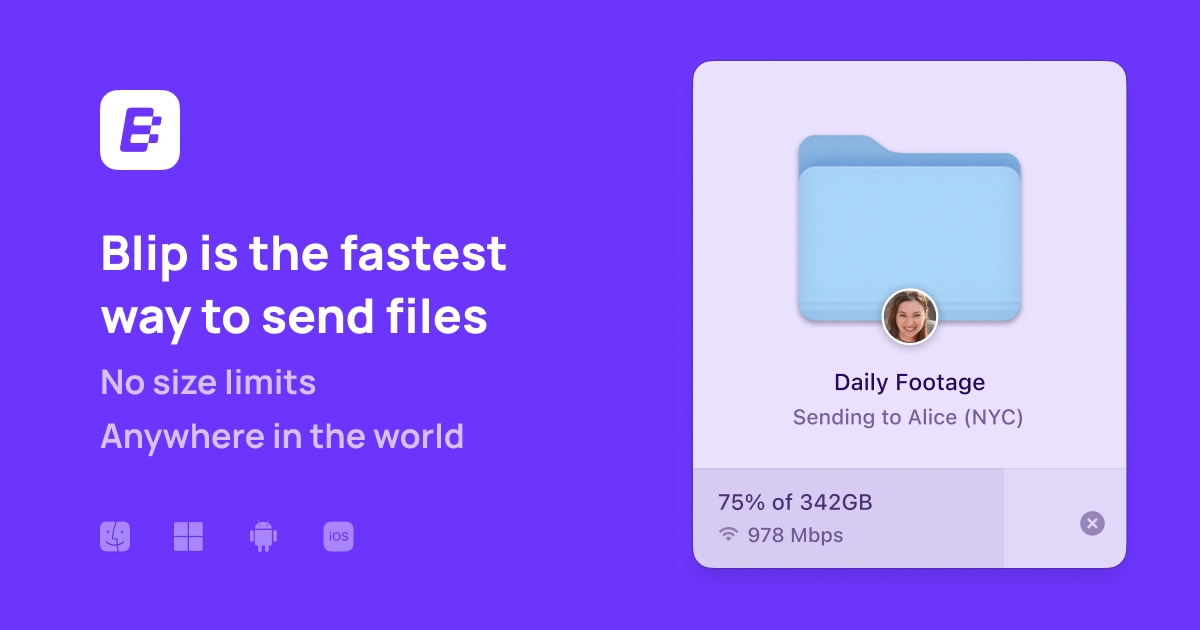
BLIP solves exactly this. It is a free application available for iPhone, iPad, Android, Windows, and Mac. You install it on your devices, log in with your email address, and from that moment, the devices appear in a list. You choose the file, tap the name of the destination, and send. The file goes directly from one device to another without passing through any cloud.
There are three concrete advantages that are noticed immediately. There are no size limits, so you can send entire folders tens of gigabytes in size without compressing them into an archive. There is no loss of quality because photos and videos are sent in their original version, something messaging apps never do. And the transfer resumes automatically after an interruption, if the network drops or the laptop goes to sleep. Traffic is encrypted and works both on the home network and at a distance, between Chiasso and Zurich.
However, three warnings are necessary here, otherwise the trial will end poorly.
The first is that the application must be installed on both sides, with a free account created via email. For your own devices, this is a problem that is solved only once. However, for sending a file to a fiduciary who doesn't want to install anything, it remains an obstacle. In that case, it's worth keeping a browser-based alternative ready, like PairDrop, which works without installing anything when both devices are on the same network.
The second is the language. The interface is in English and for now, there is no Italian version. The commands are few and intuitive, but those who don't speak English would do well to have someone show them the initial configuration. A Linux application is also still missing, so those who work with that system must be patient.
It is worth adding that the recipients do not necessarily have to be your own devices. Once a contact is added, the file is sent to a colleague's or client's computer wherever they are, with the same gesture and without size limits.
The third concerns professional use. The free plan covers personal use, study, and non-profit associations. For business use, there is a subscription of 25 dollars per month per user with annual billing, which also provides speed priority during peak traffic times. An architectural firm exchanging heavy projects with a construction site will find this worthwhile, also because with the free plan, speeds can drop during peak hours. A family sharing vacation videos will be perfectly fine with the free version.
The most useful advice is to start with the simplest case: install it on your own phone and your own computer before even thinking about others. Ninety percent of the time, the file needs to be sent to yourself, and that daily habit of emailing or WhatsApping yourself a photo disappears immediately.
Behind all this is a consideration that goes beyond the application. For years, we have accepted that the brand of our phone decided who we could share our things with. It is no longer necessary. Your nephew's baptism photos shouldn't reach half the family pixelated just because two American companies don't talk to each other. It takes five minutes to settle the matter once and for all.
All details at: https://blip.net